GPT Image 2.5 Guides
Practical AI image generation tutorials, Flare and Sunburst comparisons, API access, and prompt-based editing guides.
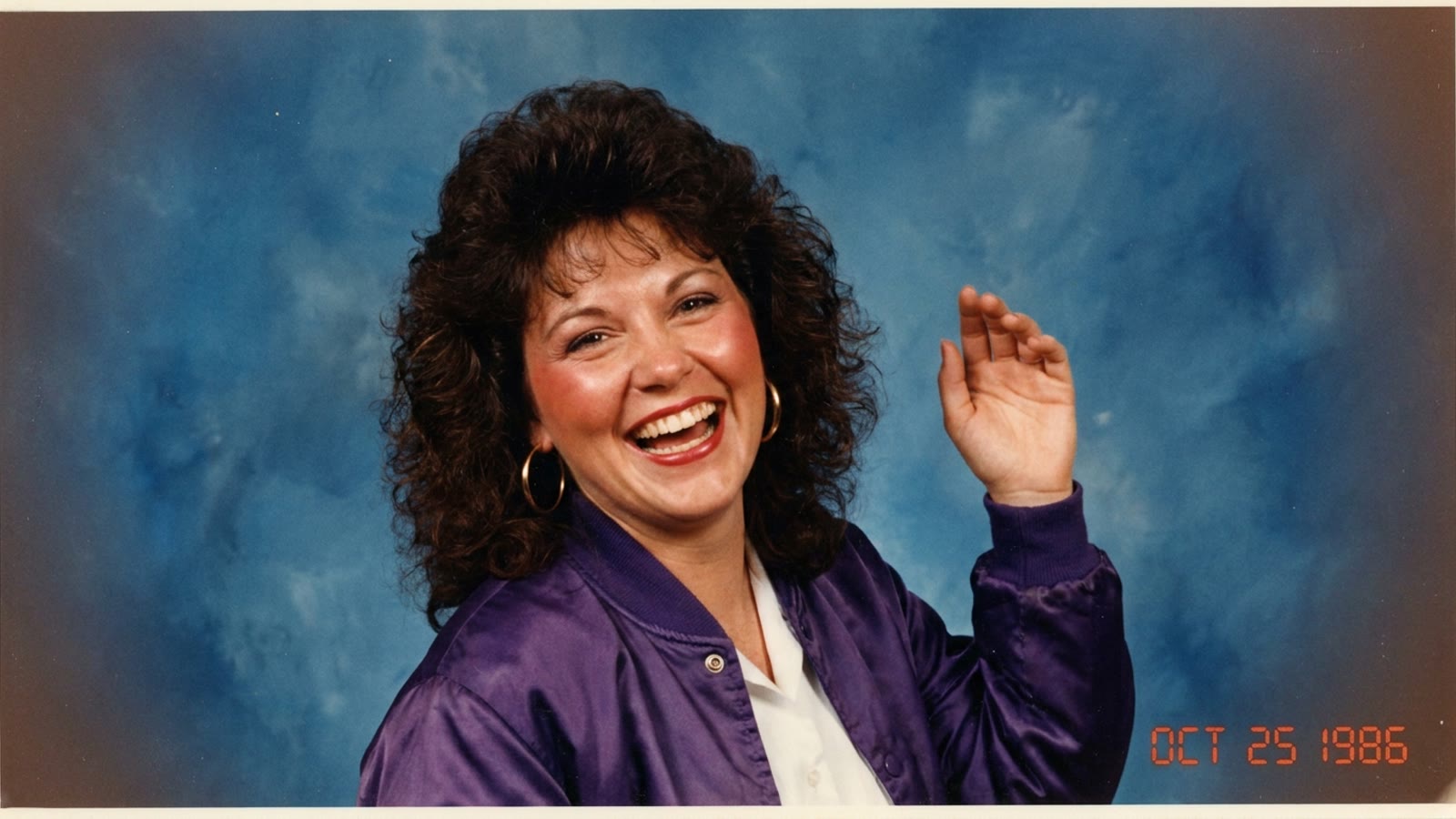
1980s AI Photo Prompt for ChatGPT: Copy-Paste Prompts That Look Real
The 1980s AI photo prompt behind the ChatGPT retro trend, plus copy-paste 80s prompts for living-room snapshots, mall glamour portraits, yearbooks, arcades and roller rinks — and the details that stop your picture looking fake.
GPT Image 2.5 Guide: Generate and Edit Your First Image
Start with a clear prompt, choose an image model, refine a reference photo, and review your result. A practical GPT Image 2.5 workflow for beginners.
GPT Image 2.5 Sunburst vs Flare vs GPT Image 2
Compare model positioning, editing workflows, and evaluation criteria for GPT Image 2.5 Sunburst, Flare, and GPT Image 2 before choosing a model.
GPT Image 2.5 API: Access and Integration Checklist
Understand GPT Image 2.5 API access, model IDs, generation versus editing, credentials, billing, and the checks to make before a production integration.
Is GPT Image 2.5 Free? Access, Credits, and Limits
Separate ChatGPT access, API billing, and this site's image credits. Learn what to check before starting a free trial or buying an image generation plan.
GPT Image 2.5 Release Date and Availability
GPT Image 2.5 was announced on September 8, 2026. Find the primary source and distinguish the announcement from access in ChatGPT, APIs, and this workspace.
How to Edit an Image with a Text Prompt
A practical workflow for making controlled AI image edits with a reference image, a clear prompt, and fewer unnecessary revisions.
 Image 2.5 Team
AI Product Photo Prompts: A Practical Guide
Write more reliable AI product photography prompts by defining the product, composition, lighting, background, and delivery format.
Image 2.5 Team